NVR recording and retention
We typically record to a network video recorder (NVR) on the property. Local recording keeps footage available when the internet connection drops, avoids uploading constant video to a third party, and gives predictable control over how long footage is kept. We install Ubiquiti UniFi Protect: cameras, recording and viewing are managed in one place, footage stays on a UniFi NVR in the home or building, and there is no cloud subscription or monthly fee. The UniFi NVR Pro holds seven drives, which Ubiquiti sizes at 24 4K cameras for 60 days.
Retention is a decision, not a default. Storage requirements depend on the number of cameras, resolution, frame rate and whether recording is continuous or event-based. We talk through how many days or weeks of footage you want available, then size storage to match and confirm it after a few days of real recording. Recorders are placed in a ventilated rack or equipment room with battery backup so a brief power interruption does not stop recording.
Secure remote viewing
Remote access is where camera systems most often become a liability. Old recorders exposed directly to the internet with default passwords are a common problem. We use the platform's secure remote access methods, unique credentials for each user, and network segmentation so cameras sit on their own part of the home network and cannot be reached from guest WiFi or smart TVs.
Permissions are set per person. Owners may see everything; a property manager may see exterior cameras only; house staff may have no remote access at all. Indoor cameras, if requested, are configured with privacy settings so they can be disabled when the family is home. Firmware updates are part of ongoing support because camera security depends on keeping software current.
Seasonal homes and existing systems
For East End homes that sit closed for months, and for owners who split time with a second home in Florida, remote visibility is the main reason to invest in cameras. We set up health notifications so you know if a camera or recorder goes offline, not just when motion happens.
If you already have cameras, we can assess what is worth keeping. Existing cable is often reusable after testing, while outdated recorders and cameras with unsupported firmware are usually the first candidates for replacement. Every project ends with a walk-through of the app, documentation of camera locations and credentials handed to the owner, and drawings prepared by our in-house design team.
Security that fits how you live
Residential security is usually discussed in terms of equipment, but the real questions are about routine. Who needs to get into the house, and when? Do landscapers, pool service and house staff arrive on a schedule? Is the home occupied all year, or is it a Hamptons house that sits empty from October to May? Do you want to see every camera from your phone, or only receive alerts when something unusual happens?
We design UniFi camera surveillance, video intercoms and access control around those answers. The result should make the household feel more comfortable without turning the home into a fortress or burying anyone in notifications. This work complements, rather than replaces, a licensed alarm and monitoring provider, and we coordinate with that provider where integration is needed.
Camera surveillance planning
Good camera coverage starts with a site plan. We identify what needs to be seen, such as gates, driveways, entries, garages, pool areas, docks and side yards, then choose camera types and positions for each view. Wide-angle cameras provide context, while narrower views are used where faces or license plates should be identifiable. Night performance, glare from headlights or water, and weather exposure all influence selection.
Recording is typically handled on a local recorder so footage stays on the property and is available even if the internet drops. Cameras run over a segmented home network, with platforms such as Ubiquiti UniFi Protect offering unified management. Retention, motion zones and privacy masking are configured so you keep what matters, avoid recording neighbors and receive useful alerts instead of constant noise.
UniFi Protect cameras in 4K
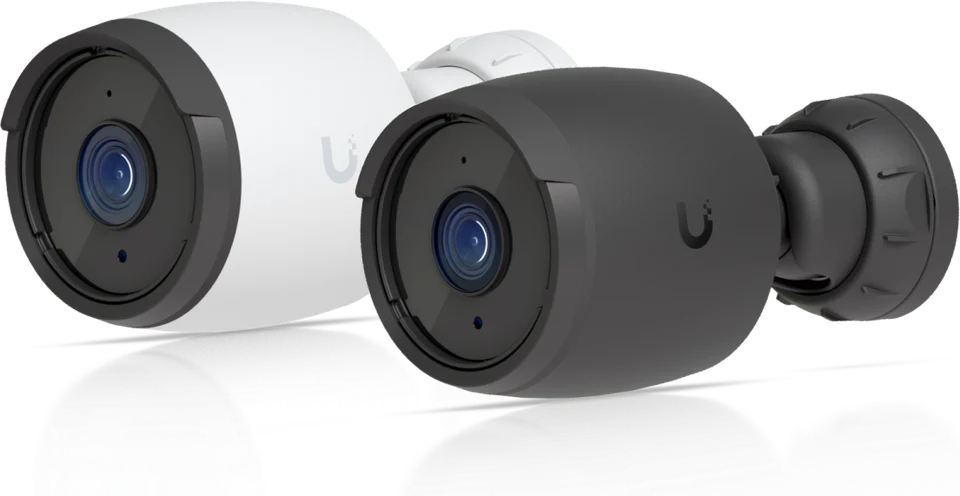
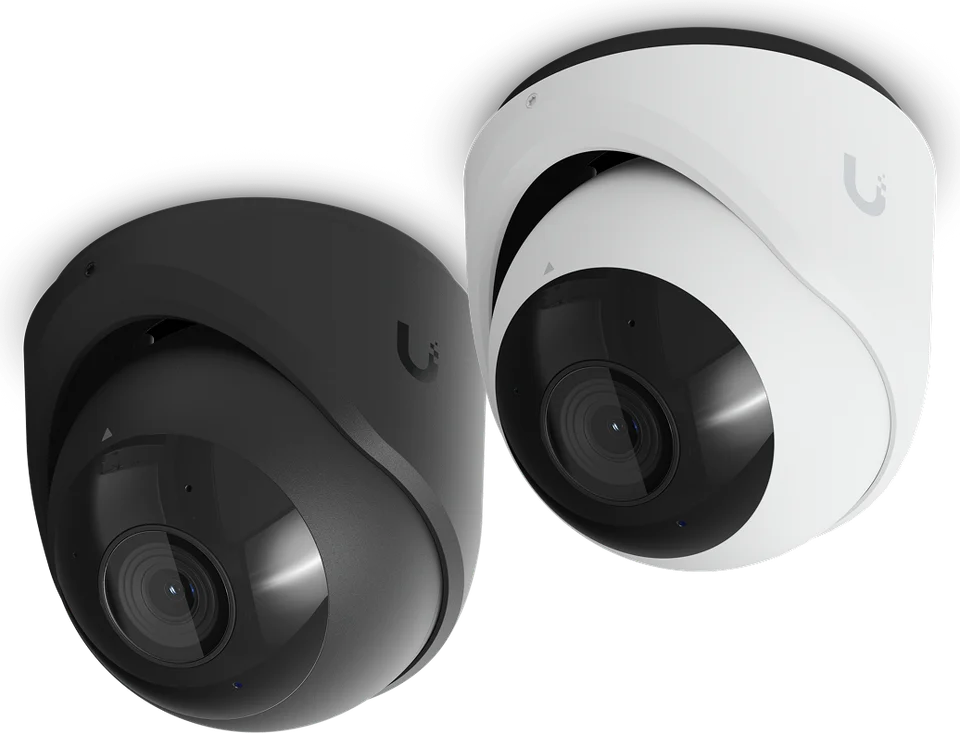
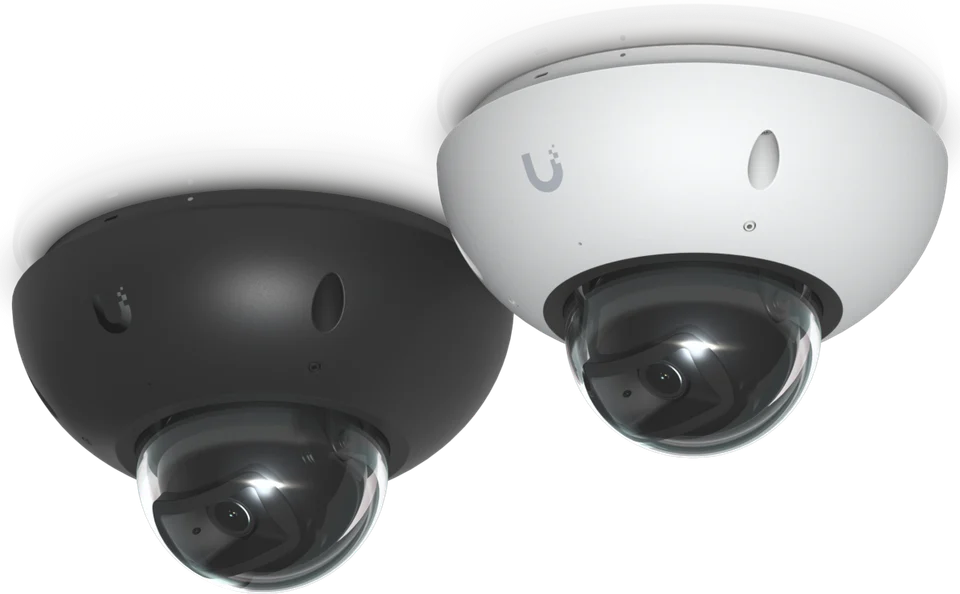
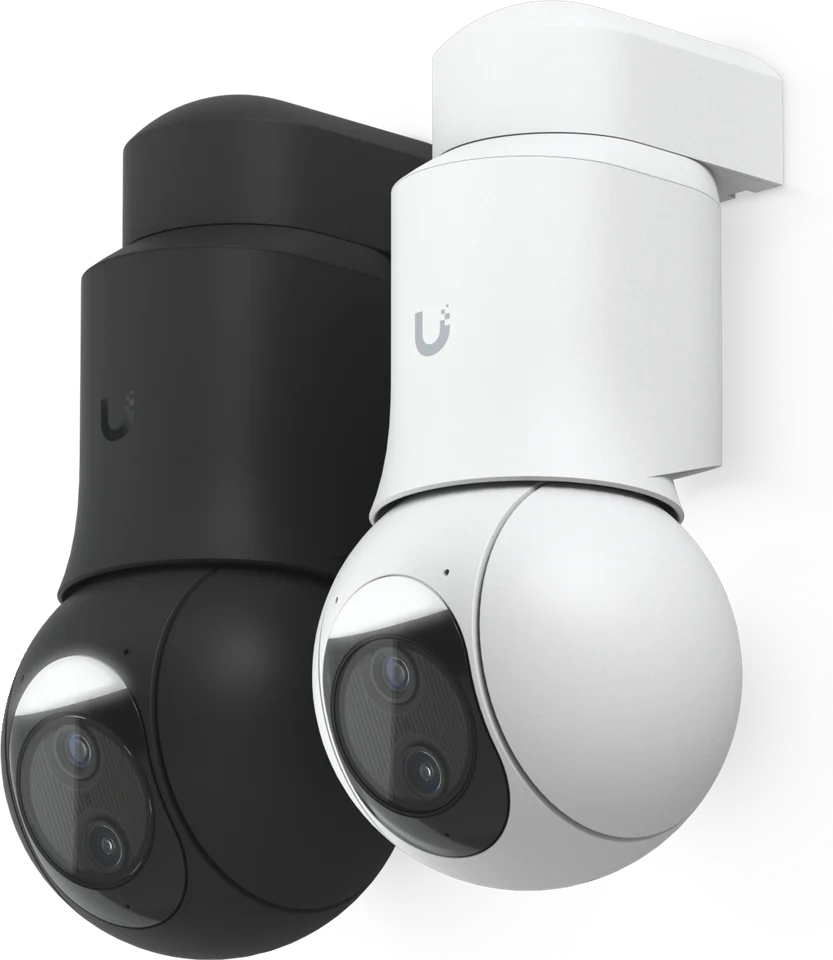
We install Ubiquiti UniFi Protect, not a patchwork of brands. The current G6 cameras record in 4K from an 8MP, 1/1.8-inch sensor: the G6 Bullet for long driveway and perimeter views, the G6 Turret and G6 Dome for entries, garages and covered areas, and the G6 PTZ, a 4K dual-lens camera with 10x hybrid zoom and both infrared and a spotlight, for motor courts and large lawns. The G6 line runs a multi-TOPS AI engine on the camera itself, and the G6 Bullet and G6 Dome add face and license plate recognition. Ubiquiti rates their infrared night vision at 30 meters.
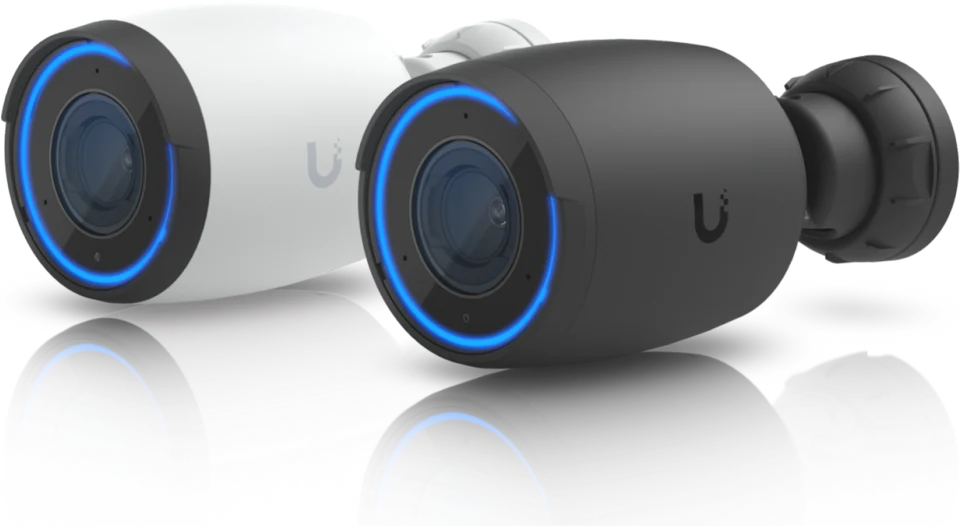
For tougher views we use the AI series. The AI Pro adds 3x optical zoom and face and license plate recognition, a good fit for a gate where a plate needs to be readable at distance. Detection of people and vehicles happens on the camera, so alerts are about something that matters rather than a moving branch.
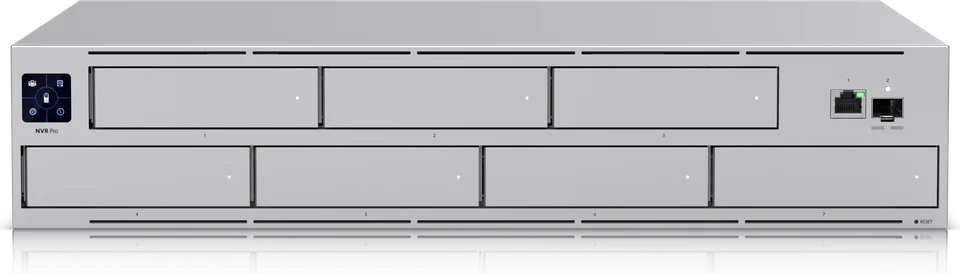
Everything records locally to a UniFi NVR in the home or building, with no cloud subscription and no monthly fees. The UniFi NVR Pro holds seven drives, which Ubiquiti sizes at 24 4K cameras for 60 days. Live view and alerts are in the UniFi Protect app, and cameras sit on their own part of the home network. We show product photos on this page, never live camera views from a client's property.
 Illustrative image
 Illustrative image
 Illustrative image
 Illustrative image
 Illustrative image
 Illustrative image
UniFi Access intercoms and readers
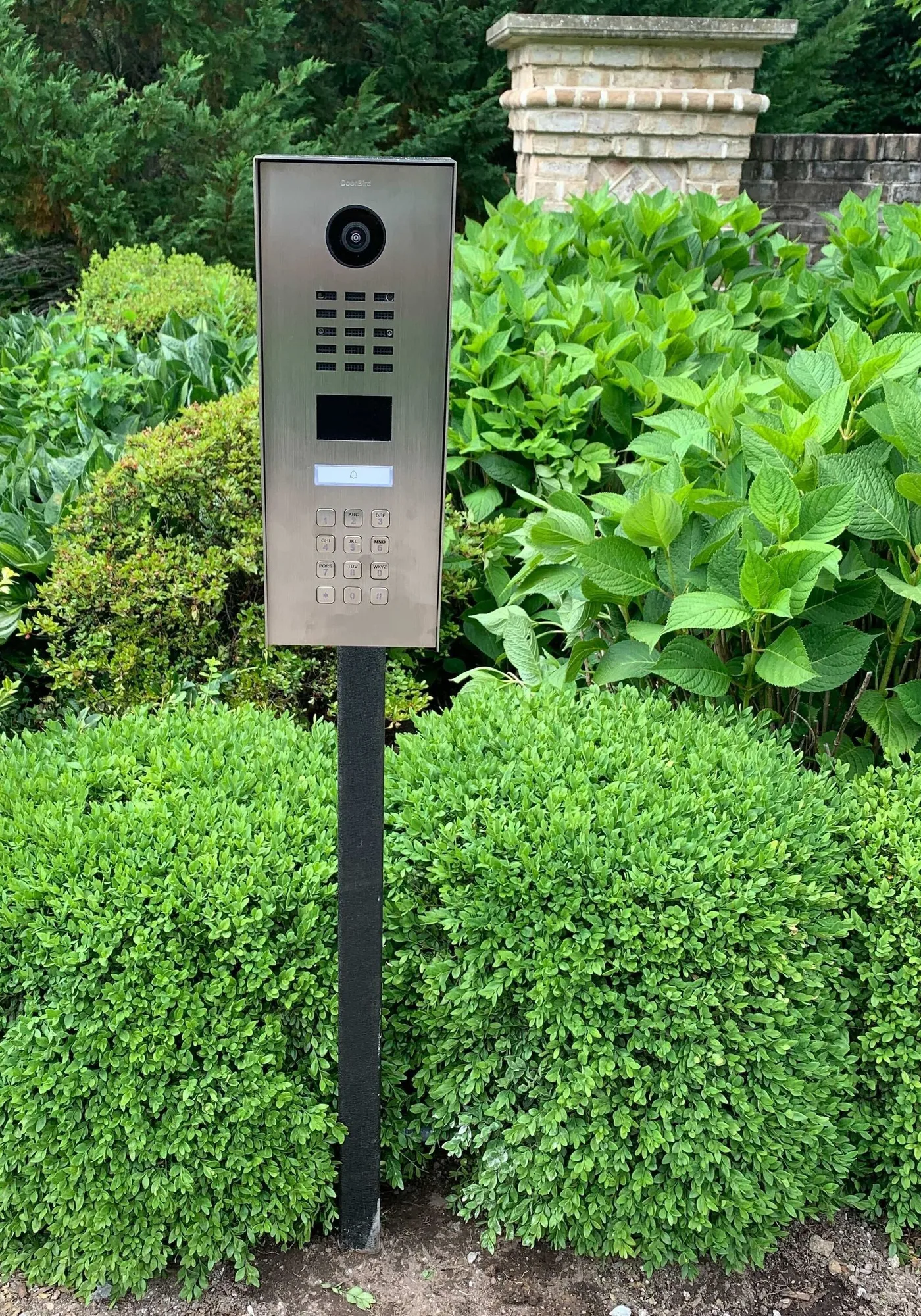
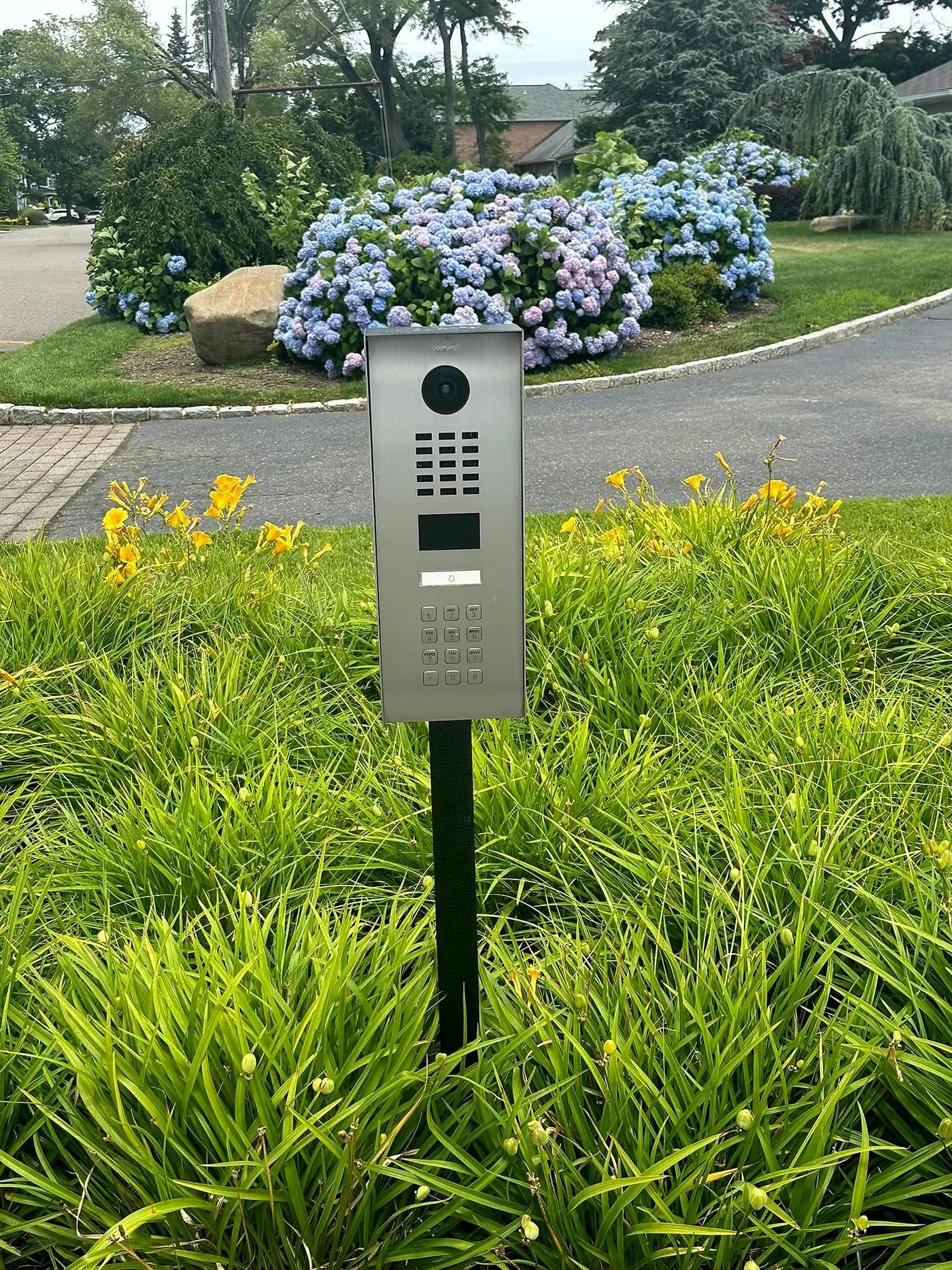
Door and gate entry runs on UniFi Access. The G6 Entry is a two-way audio video entry station with Face ID, NFC card and fob, and Touch Pass in Apple Wallet and Google Wallet (NFC and Face ID work through a UniFi Access hub). The G6 Pro Entry adds a 12MP camera and a 3-inch touch display. The G3 Intercom handles Face ID, NFC card or fob, PIN codes, the UniFi mobile app and Touch Pass, and can be mounted on a gooseneck pedestal at a driveway gate. The G3 Reader Pro brings Face ID, Touch Pass, NFC, PIN and mobile unlock to interior and secondary doors.
Visitors ring the intercom; the household or staff see them, talk and unlock from the intercom viewer, a phone or the web. Every entry is logged per person, and credentials are added or revoked instantly, so a contractor's access ends the day the job does. We install it for estate gates, front doors, pool houses, offices and condominium entrances. Gate stations far from the house need power, network and conduit planned along the driveway early, and we coordinate that with the site work.
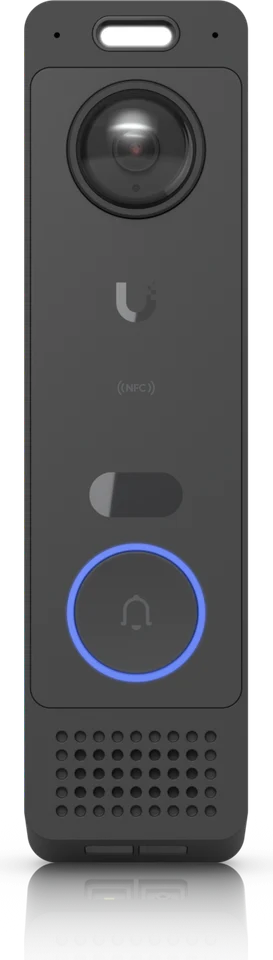 Illustrative image
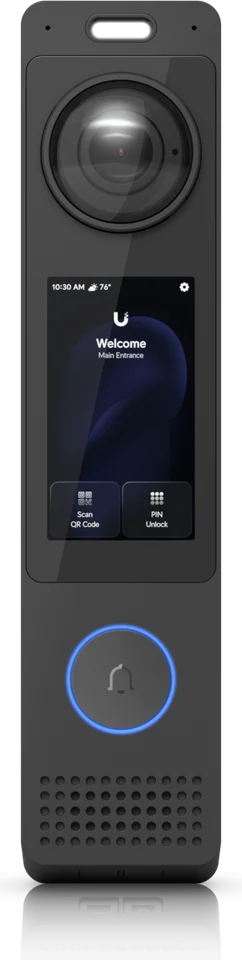 Illustrative image
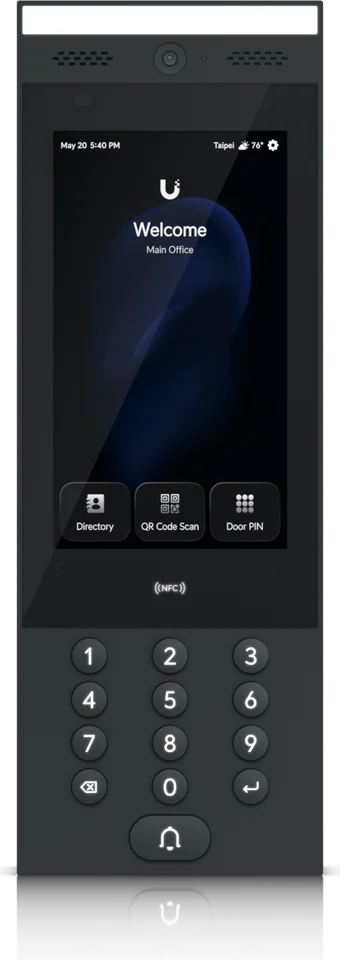 Illustrative image
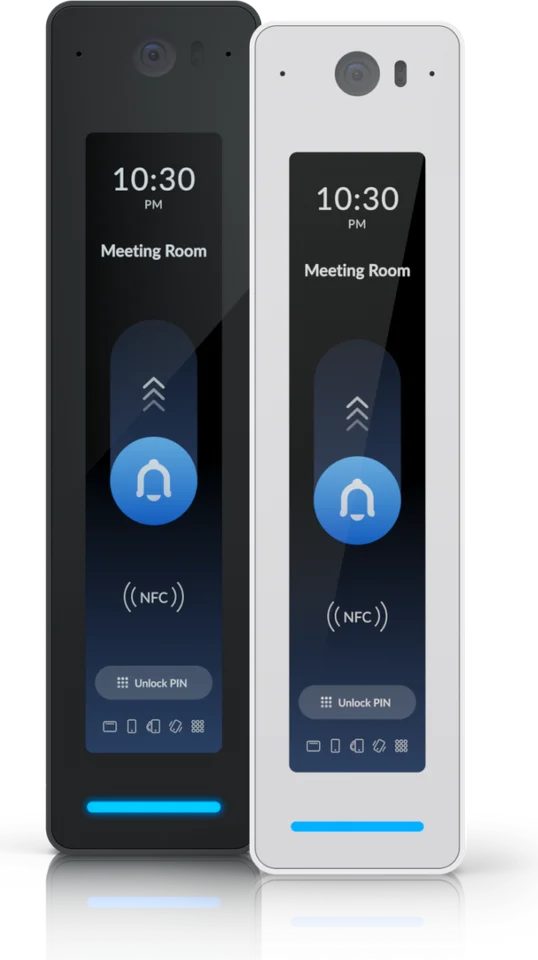 Illustrative image
Smart locks and access credentials
Smart locks remove the need to hand out keys and let you see who came and went. Codes can be assigned to individuals, limited to certain days and hours, and revoked instantly. A dog walker might have a weekday code, a contractor a temporary one, and family members permanent access. Locks can also report status, so a Goodnight scene can confirm doors are locked or alert you if one is not.
We select locks that suit the door hardware, finish and architecture, and integrate them with Crestron automation so lock status, cameras and intercom calls appear in one place. Gates, garage doors and pedestrian entries can be added to the same access plan, with schedules that match the household's routine.
UniFi Access in Manhattan buildings
Access control is not only for single homes. We just delivered per-resident PIN entry on UniFi Access for a SoHo condominium building in Manhattan: each resident has their own credential, with no shared codes. We manage those PINs individually: setting up new residents, changing a PIN that has been shared and removing people who no longer need access. Our building maintenance and management page covers that work for condominium boards and property managers.
Integration with lighting and automation
Security works better when it is connected to the rest of the house. Exterior lights can turn on when a camera detects motion at night, interior lights can follow an arrival scene when the gate opens, and a vacation mode can simulate occupancy with Lutron lighting and shades. Camera views can pop up on a touch panel or television when someone rings the gate.
This integration is designed in-house, so lighting, cameras, intercoms and control are programmed together. That reduces the finger-pointing that can happen when separate vendors install separate systems and none of them is responsible for how they work together.
Seasonal homes, privacy and remote access
For Hamptons and North Fork homes that are empty for long stretches, remote visibility is particularly valuable. Cameras, door activity and alerts let owners keep an eye on the property, and integrations with environmental sensors where supported can warn of problems before they become expensive. The same approach applies to second homes in Florida that sit empty during the New York summer.
Privacy is equally important. We configure secure remote access, strong credentials and segmented networks, and we can keep footage local rather than in a cloud service if you prefer. Indoor cameras, where requested, are planned carefully with privacy settings so they can be disabled when the family is home.
From site walk to handoff
Projects begin with a site walk and a review of plans, followed by a proposed layout of cameras, intercoms, locks and gates. During construction, we coordinate conduit, power and network runs with the electrician and builder, which is especially important for long driveways and outbuildings. After installation, every camera is aimed and tuned, recordings are verified and access codes are set up.
We train the household and any staff on the apps and panels, and document the system for future changes. Ongoing support includes firmware updates, camera adjustments as landscaping grows and help with access codes. If you already have cameras or an intercom that no longer meets your needs, we can assess them and recommend upgrades, often reusing existing cabling.
Choosing what to see, record and be alerted about
More cameras do not automatically mean better security. The most useful systems focus on approaches to the house, entrances and areas where something valuable is kept, with alerts set only for the events that matter. A notification every time a car passes on the road quickly becomes noise that everyone ignores. Motion zones, schedules and smart detection help keep alerts meaningful.
We also discuss retention and access: how long footage should be kept, who in the household can view which cameras, and whether house staff should have limited access. Clear answers to those questions make the system more useful and protect the household's privacy.
Cameras and outdoor lighting
Cameras rely on light at night. Even with good infrared performance, well-placed exterior lighting improves image quality and deters visitors. We coordinate camera positions with the landscape and exterior lighting plan so key areas are evenly lit without glare washing out the picture.