What we install
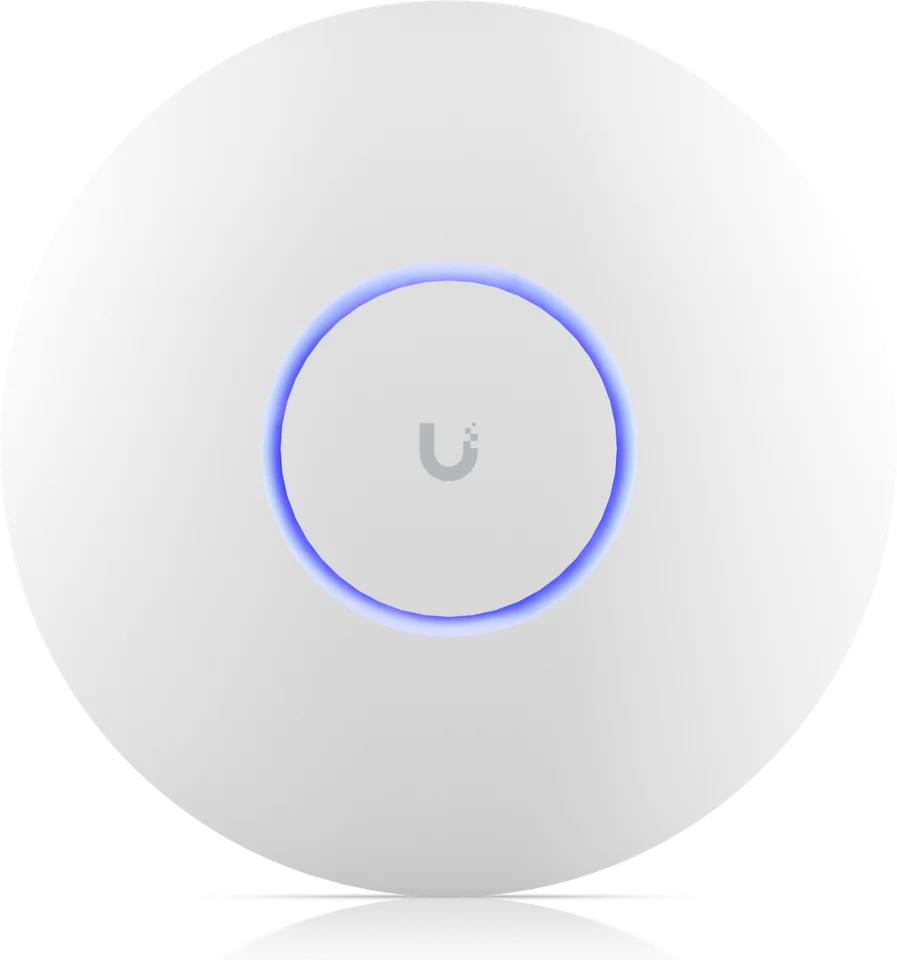
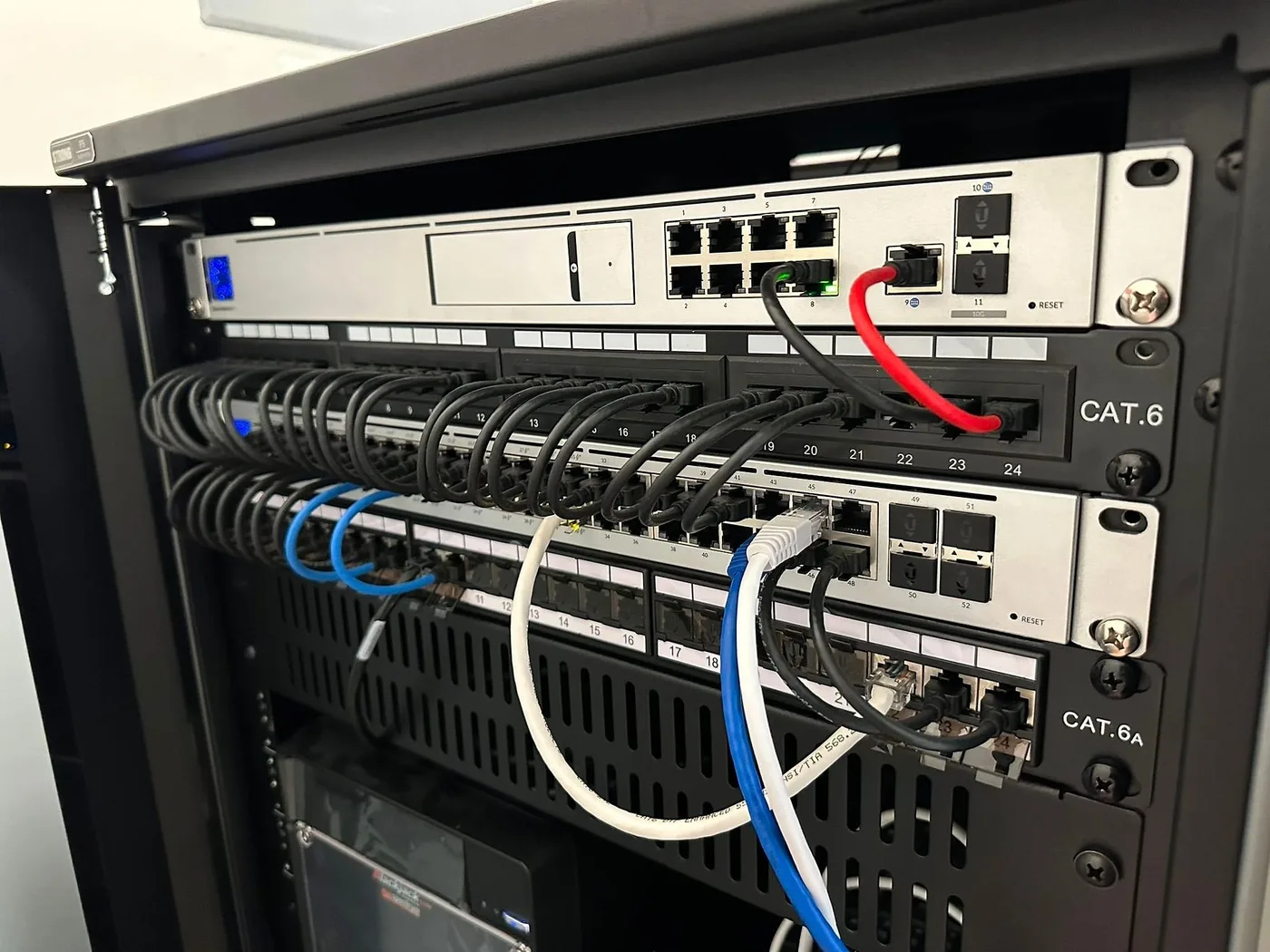
A typical UniFi deployment includes a gateway and firewall, managed switches in the equipment rack, ceiling and outdoor access points, and in many homes UniFi Protect cameras with a local recorder. We segment family, guest, automation and camera traffic and configure secure remote access for support.
Where it fits
UniFi suits many residences, from Manhattan apartments to large Long Island properties with outbuildings, and smaller hospitality venues. Having networking and cameras on one platform simplifies management. For very large or dense environments, we may recommend Ruckus wireless instead.
Read more on home network and WiFi and security cameras and access.
One platform for network, cameras and doors
Ubiquiti UniFi covers switching, WiFi access points, gateways, UniFi Protect cameras and UniFi Access door readers and intercoms, all managed from the same system. For a home or a small building, that means the network, the cameras and the entry system share one dashboard, one set of user accounts and one place to check health.
UniFi Protect records locally to a UniFi NVR in the property, so there is no cloud subscription or monthly fee for recording. Live view and alerts are available in the Protect app. UniFi Access adds door readers and video intercoms, with unlocking by card, PIN, phone or wallet pass and a log of every entry.
Design comes before hardware
Good WiFi depends on access point placement, wall materials and cabling more than on the brand. We plan coverage before installation, using Ekahau WiFi design on larger properties, and every cable run is certification-tested as described on our structured cabling page.
- Wired backhaul to every access point wherever possible.
- Separate networks for family, guests, AV equipment and cameras.
- Remote management so problems can often be diagnosed without a site visit.
- Battery backup for core equipment so cameras and entry keep working through short outages.
Homes, buildings and offices
We use UniFi in residences, in condominium buildings for resident entry and common-area networks, and in offices. Our security cameras and access control page explains cameras, recording and managed entry, and building management covers multi-unit work. Where a very large estate or hotel needs a different WiFi platform, we also install Ruckus.
Maintaining a UniFi system over time
A network is not finished on installation day. Firmware updates, new devices and changing household or business needs all affect performance. With the owner's permission we keep remote access to the UniFi controller, which lets us see device health, apply updates on a planned schedule and diagnose most problems without a site visit. When cameras or access points are added, the existing cabling documentation shows where new runs can go. We also review user accounts and credentials periodically, which matters for UniFi Access systems where people move in and out of a building, so that former residents or staff no longer have entry.