Start with what each camera needs to show
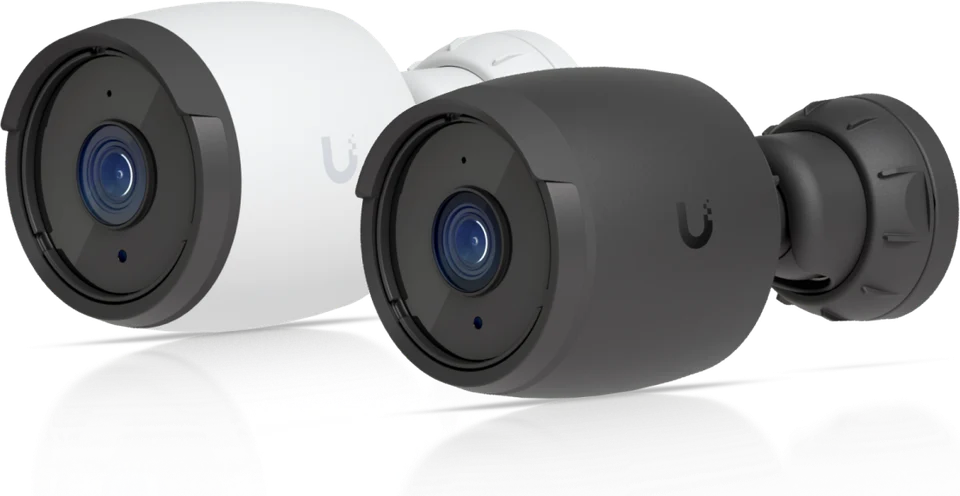
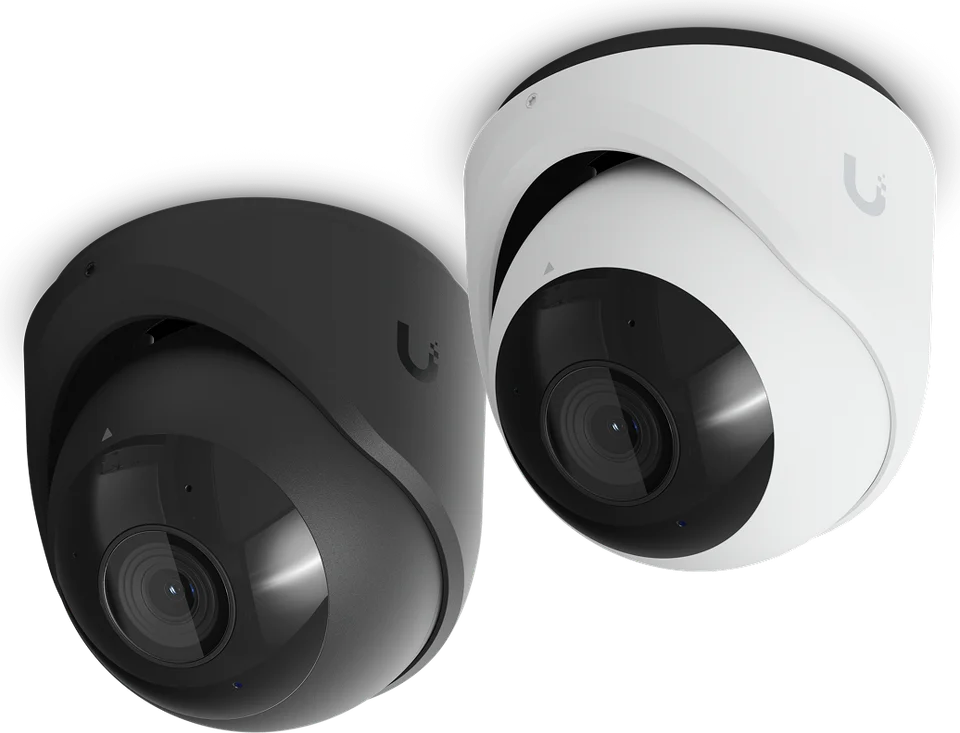
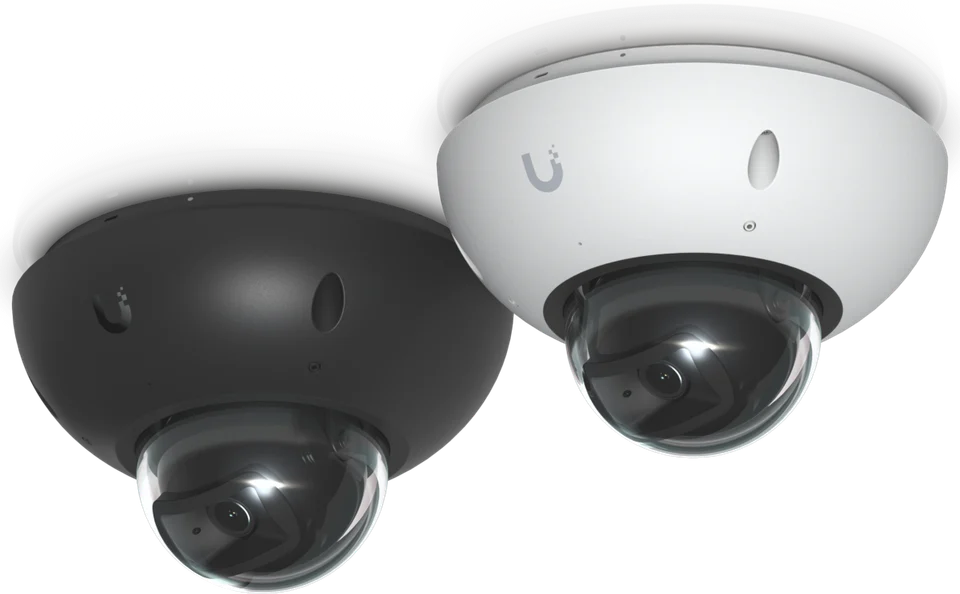
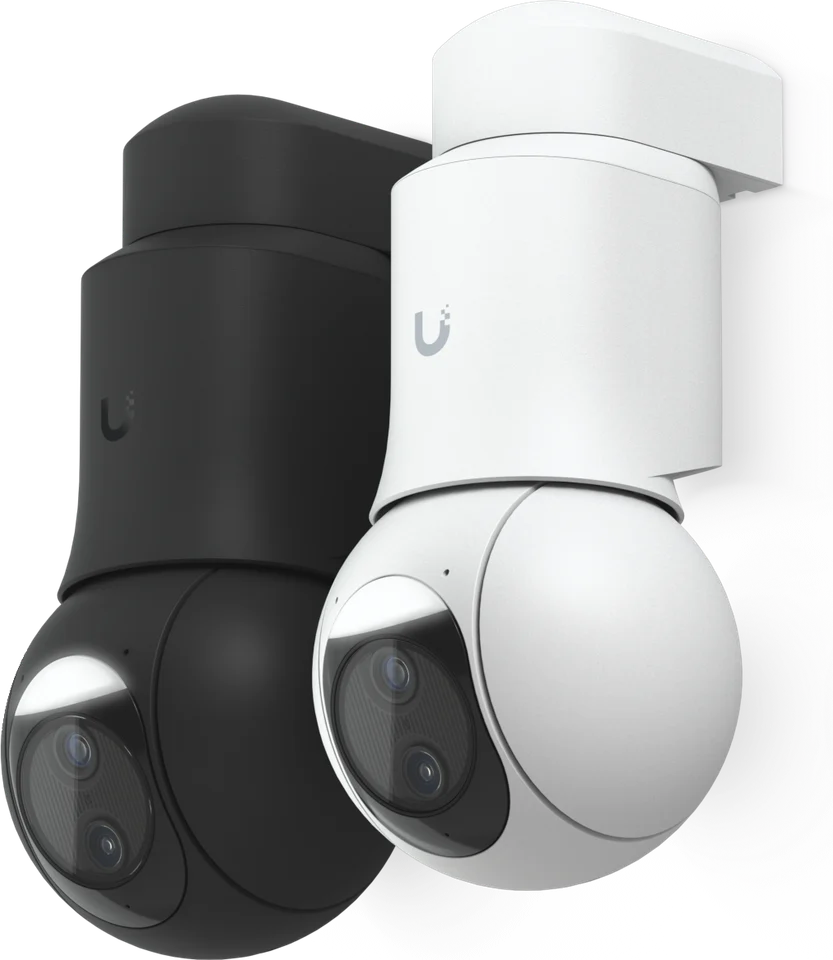
Most disappointing camera systems were designed by counting cameras rather than defining views. Before anything is mounted, we walk the property and agree on purpose for each position: watching the full length of a driveway, identifying a face at the front door, reading a plate at a gate, seeing who walks down to a dock, or confirming that a pool gate is closed. Each of those goals calls for a different lens, height and distance, and writing them down early prevents a wall of wide-angle images that show a lot of lawn and very little detail.
We separate cameras into two broad roles. Overview cameras give context, so you can follow a car from the road to the motor court. Detail cameras are placed closer to choke points such as entries, gates and garage doors where people naturally pass within a few feet. A good system uses both, and the overview views are what make detail clips easy to understand later.
- Approach routes: road frontage, driveway, motor court and garage
- Entry points: front and service doors, gates, pedestrian paths
- Outdoor living and water: pool enclosures, terraces, docks and boathouses
- Outbuildings: pool houses, guest cottages, sheds and equipment areas
Camera selection, lighting and weather
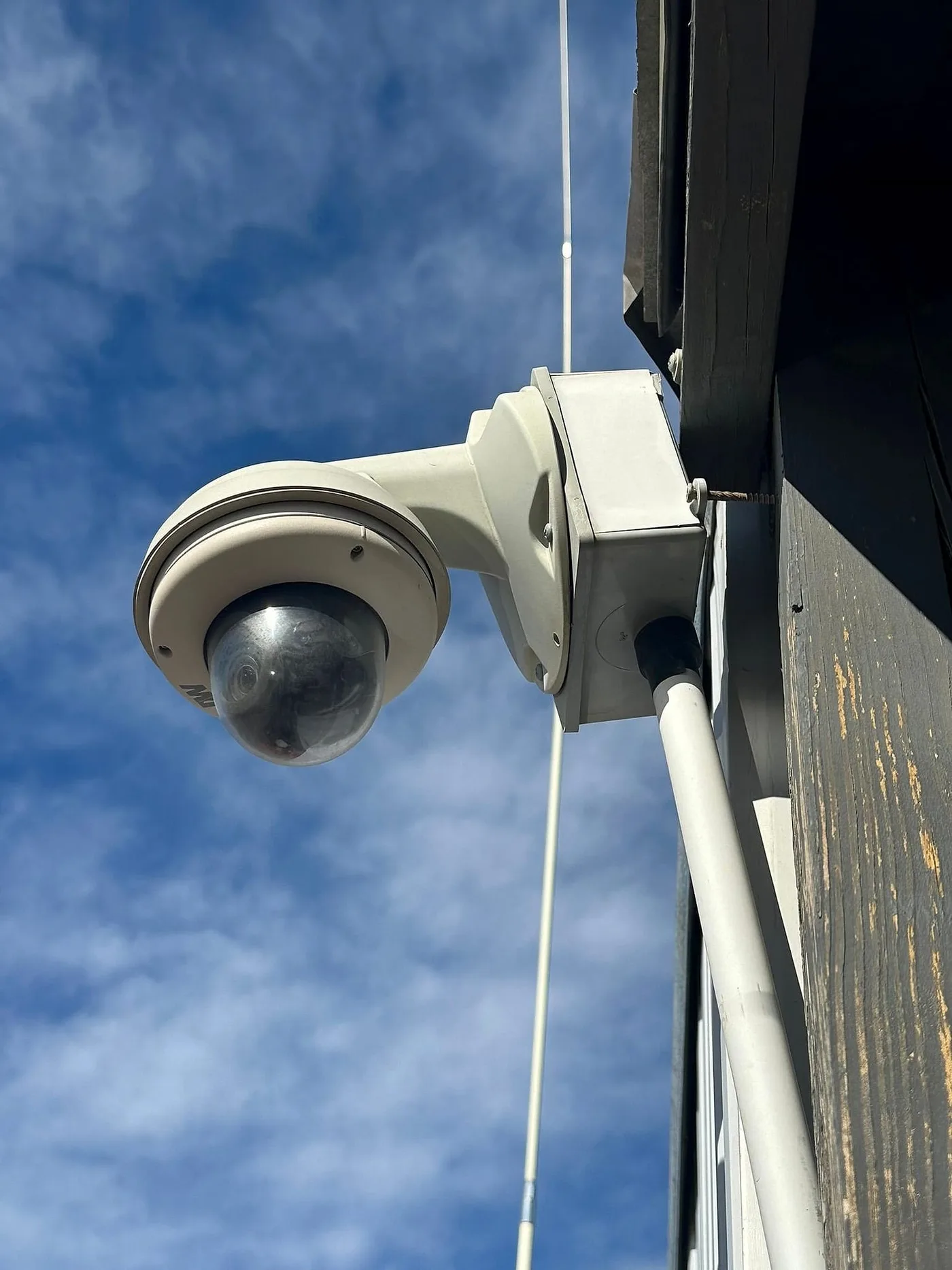
Camera specifications rarely tell the whole story. Resolution matters less than how many pixels land on the subject you care about, which depends on lens, distance and field of view. We consider low-light performance, the glare from headlights and water, backlighting from bright sky behind an entry, and exposure to salt air and wind on coastal properties. Housings and mounts are chosen to suit the facade so cameras read as tidy details instead of afterthoughts.
Night images are heavily influenced by exterior lighting. Infrared illumination works, but evenly lit areas usually produce clearer color images and deter visitors. When a project includes outdoor and landscape lighting, we coordinate fixture placement with camera views so light falls where it helps rather than flaring into a lens.
NVR recording and retention
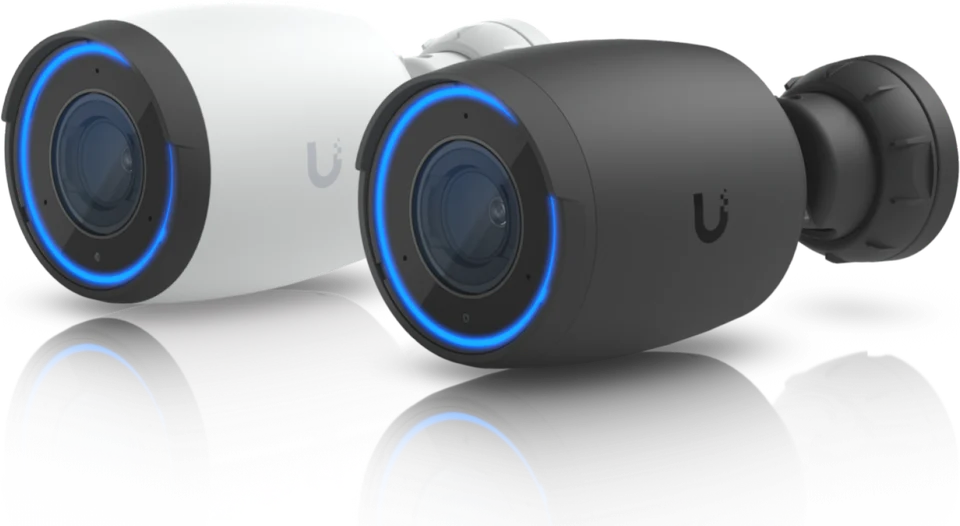
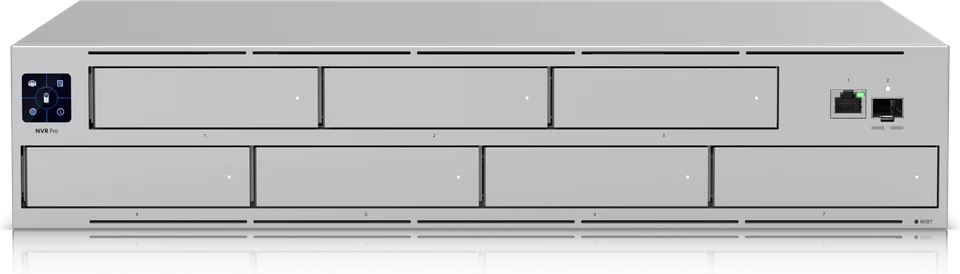
We typically record to a network video recorder (NVR) on the property. Local recording keeps footage available when the internet connection drops, avoids uploading constant video to a third party, and gives predictable control over how long footage is kept. We install Ubiquiti UniFi Protect: cameras, recording and viewing are managed in one place, footage stays on a UniFi NVR in the home or building, and there is no cloud subscription or monthly fee. The UniFi NVR Pro holds seven drives, which Ubiquiti sizes at 24 4K cameras for 60 days.
Retention is a decision, not a default. Storage requirements depend on the number of cameras, resolution, frame rate and whether recording is continuous or event-based. We talk through how many days or weeks of footage you want available, then size storage to match and confirm it after a few days of real recording. Recorders are placed in a ventilated rack or equipment room with battery backup so a brief power interruption does not stop recording.
Secure remote viewing
Remote access is where camera systems most often become a liability. Old recorders exposed directly to the internet with default passwords are a common problem. We use the platform's secure remote access methods, unique credentials for each user, and network segmentation so cameras sit on their own part of the home network and cannot be reached from guest WiFi or smart TVs.
Permissions are set per person. Owners may see everything; a property manager may see exterior cameras only; house staff may have no remote access at all. Indoor cameras, if requested, are configured with privacy settings so they can be disabled when the family is home. Firmware updates are part of ongoing support because camera security depends on keeping software current.
Alerts that people will not learn to ignore
A phone that buzzes every time a branch moves trains everyone to ignore notifications. We configure motion zones, schedules and person or vehicle detection where the platform supports it, so alerts focus on events that matter: a vehicle at the gate after midnight, someone at the boathouse while the house is closed, or motion in the pool area when nobody should be there. Settings are reviewed after a couple of weeks of real use and adjusted.
Working with intercoms, access and automation
Cameras become more useful when they connect to the rest of the house. Gate and door stations, smart locks and entry credentials are covered on our access control and video intercom page; on projects that include both, the camera plan and access plan are designed together so the camera nearest a gate pops up on a touch panel when someone rings. With Crestron automation, camera views can appear on TVs and keypads can trigger exterior lighting when motion is detected at night.
Our camera systems complement, but do not replace, a licensed alarm and central monitoring provider. Where a homeowner already has monitoring, we coordinate with that company rather than duplicating its role.
Cabling, power and long runs
Most cameras are powered over the same network cable that carries video (PoE), which simplifies installation but makes cable quality important. Runs are terminated, labeled and tested as part of our structured cabling work, so a camera that drops offline can be diagnosed quickly. Cameras on distant gates, docks and outbuildings may need fiber, outdoor-rated switches or new pathways; on established lawns we evaluate trenchless line-laying for those runs after utility locates and a site review.
Seasonal homes and existing systems
For East End homes that sit closed for months, and for owners who split time with a second home in Florida, remote visibility is the main reason to invest in cameras. We set up health notifications so you know if a camera or recorder goes offline, not just when motion happens.
If you already have cameras, we can assess what is worth keeping. Existing cable is often reusable after testing, while outdated recorders and cameras with unsupported firmware are usually the first candidates for replacement. Every project ends with a walk-through of the app, documentation of camera locations and credentials handed to the owner, and drawings prepared by our in-house design team.
Questions worth answering before you buy
A short conversation saves a lot of rework. Do you want continuous recording or only events? Should anyone outside the family ever see live views? Are there areas, such as a neighbor's yard or a guest suite, that must never be recorded? Will the property manager need to export clips for an insurer or the police? We note each answer in the design and configure the system to match, then confirm the settings with you during handoff so nothing surprising is left in place by default.